



Content Writer | Updated On - Dec 11, 2025
The SLAT 2026 admit card for Test 1 has been released. Students appearing for the SLAT Test 1 exam 2026 can download the hall ticket at set-test.org.
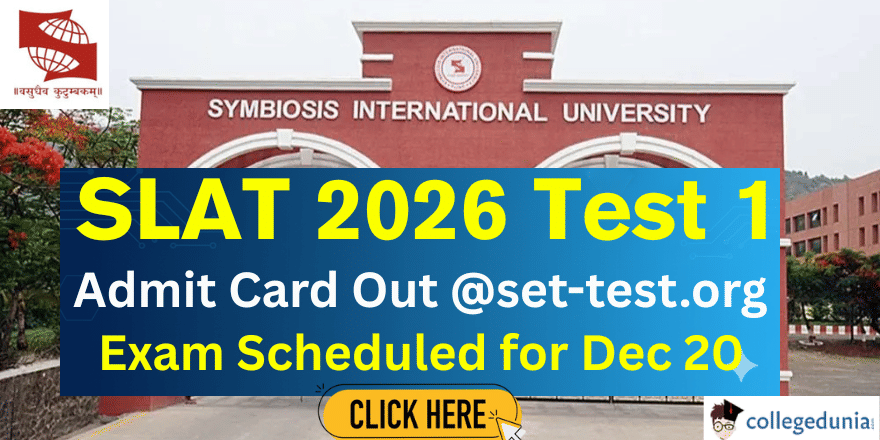
Symbiosis International University has released the hall tickets for SLAT Test 1 on the official website set-test.org. Students appearing for the Symbiosis Law Admission Test (SLAT) must log in using their registration number and date of birth to download their admit card. To get the SLAT 2026 hall ticket, they must visit the candidate login page on the website. The SLAT Test 1 exam will be held on December 20, 2025.
Direct Link – Download Admit Card for SLAT Test 1
Students must carefully review all the details printed on their SLAT 2026 admit card. They should verify information such as their name, roll number, exam date, exam time, exam centre address, and exam day instructions. If they find any mistakes on the admit card, they should contact the exam authorities right away to get it corrected.
SLAT 2026 Exam Dates
Candidates can check the key dates for the SLAT exam below:
| Event | Date |
|---|---|
| SLAT Test 1 Admit Card Release | 11 December 2025 |
| SLAT Test 2 Admit Card Release | 18 December 2025 |
| SLAT Test 1 Exam Date | 20 December 2025 |
| SLAT Test 2 Exam Date | 28 December 2025 |

Image Source - Symbiosis International University Official Site
How to Download SLAT Admit Card 2026?
Candidates can download their SLAT 2026 hall ticket by following these steps:
- Visit the official website set-test.org.
- Click on the “Download SLAT Admit Card” option.
- Enter your registration number and date of birth.
- Click the download button to save your admit card.
- Take a few printouts of the SLAT 2026 admit card for future use.
Students should download their SLAT 2026 admit card on time, check all details carefully, and keep multiple copies ready to ensure a smooth exam day experience.
Also Read


.jpeg?h=127&w=254&mode=stretch)
.jpeg?h=127&w=254&mode=stretch)
.jpeg?h=127&w=254&mode=stretch)
.jpeg?h=127&w=254&mode=stretch)


.jpeg?h=127&w=254&mode=stretch)


.png?h=40&w=40&mode=stretch)
%20(24).jpeg?h=40&w=40&mode=stretch)

%20(21).jpeg?h=40&w=40&mode=stretch)





Comments