




NTA has confirmed that the JEE Main scorecard 2026 for session 1 will be released by 12th Feb'2026. You can download the scorecard using your JEE Main application number and password from the official link given below:
- After each session of the exam, NTA issued the official results in the form of the JEE Mains 2026 scorecard.
- The Scorecard contains details like subject-wise marks, your final raw marks, your percentile, All India Rank (AIR) and qualifying status for JEE Advanced 2026.
- The JEE Main scorecard is the mandatory document required for appearing in JEE Advanced 2026, at the time of counselling and also for Seat allotment at various institutes like NITs, IIITs, and GFTIs.
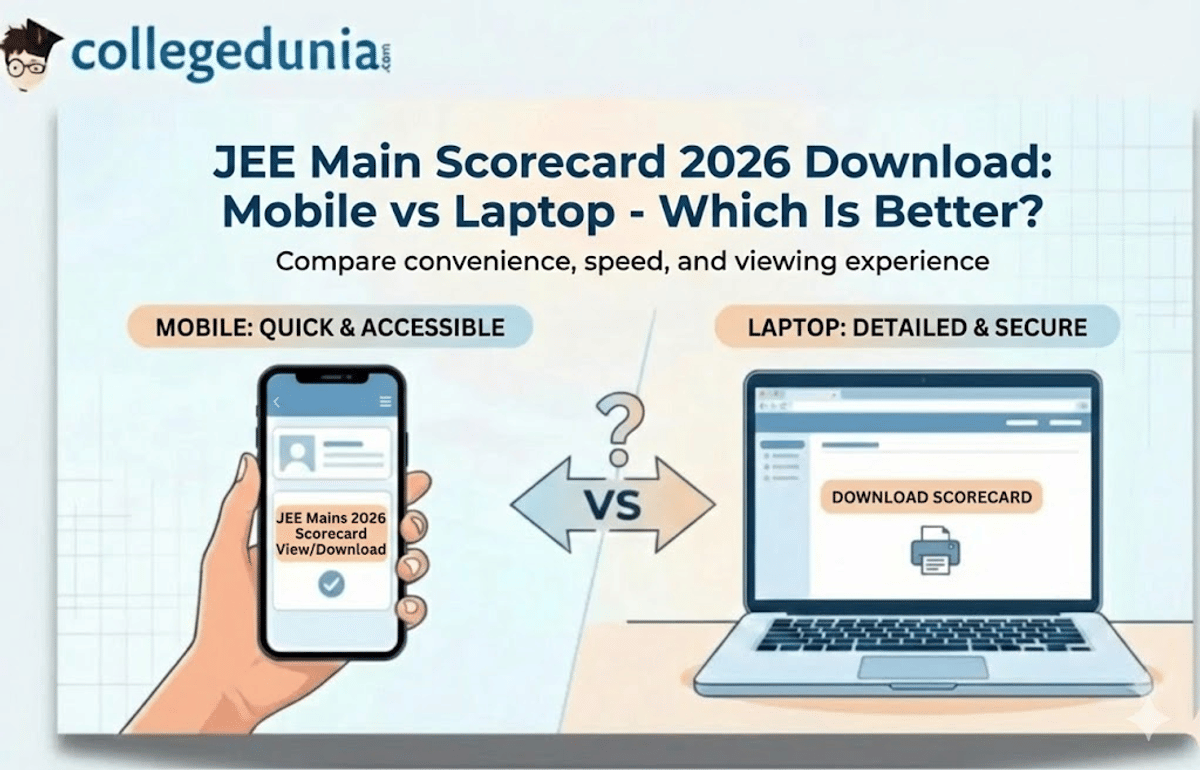
Most candidates are confused about whether to download the JEE Main Scorecard on their mobile phones or laptops. In this article, a detailed comparison is presented to help the candidate decide which one is better.
Related Links:
Key Summary
- NTA will release the JEE Main scorecard 2026 on 12th Feb'26
- The JEE Main scorecard is the mandatory document required for appearing in JEE Advanced 2026.
- A laptop is the better option for downloading because of a larger screen, easier detail verification, and direct printing.
- Mobile can be used to download the scorecard if the candidate doesn't have access to a laptop, or to keep a backup PDF.
JEE Main Scorecard 2026: Mobile vs Laptop Quick Comparison
- It is advised to download your JEE Main Scorecard 2026 on a laptop, as a laptop is a better device due to its large display and the ability to directly print if the printer is connected.
- You can easily download in Mobile devices, but it will require additional steps after downloading.
- As you need to have hard copies for the counselling, a laptop with a printer allows you to easily take out the printout without any issue.
| Feature | Mobile Download | Laptop Download |
|---|---|---|
| Convenience | Download anywhere, anytime | Requires desk setup |
| Screen Size | 5-7 inches (smaller) | 13-17 inches (larger) |
| Verification | Difficult to spot errors | Easy to review details |
| Printing | Requires additional steps | Direct print option |
| Internet Stability | May face connectivity issues | Generally more stable |
| PDF Quality | Sometimes compressed | Full resolution |
Check: What is mentioned on the JEE Main Scorecard?
Downloading the JEE Main Scorecard on a Laptop
As per different candidates laptop is the most preferred choice to download the JEE Main Scorecard because of its larger displays and easy printing option.
Why is Laptop Better to download the JEE Main Scorecard?
| Aspect | Advantage |
|---|---|
| Detail Verification | A larger screen displays the photograph and signature clearly |
| Data Accuracy | Easy to spot mistakes in the name, marks, percentile or other details |
| Printing | One-click print to a connected printer |
| Storage | Better file management and backup options |
| Form Filling | Keyboard input reduces errors during login |
Check how to download the JEE Main scorecard on a laptop
Note: While printing the scorecard, use the zoom option on your PDF so that your photograph, along with all other details, is in focus, and also marks, percentile, and ranks are readable. Report any irregularity immediately to NTA. The helpline numbers are 011-40759000 or 011-69227700.
Check: JEE Main 2026 Scorecard Errors: What Candidates Should Check After Downloading the Result
Downloading JEE Main Scorecard on Mobile
- Downloading the JEE Main scorecard on Mobile is easy and convenient for those candidates who do not have immediate access to a laptop.
- You can easily download the scorecard using the Digilocker app as well.
Advantages of Mobile Download
- Check the JEE Mains scorecard anywhere with an internet connection.
- You can easily download your scorecard through a mobile browser: Chrome, Safari, Firefox
- Can share the PDF instantly via WhatsApp or email to family members
- Useful for emergency downloads if you've misplaced your printed copy
- Allows quick verification of exam date and centre immediately after release
Also Read: Check if You Have Scored Good in JEE Main 2026
How to get your JEE Main results from DigiLocker
- Use your registered mobile number/Aadhar and security PIN to log in to the DigiLocker App.
- Now look for "Issued Documents" or search under "Education & Learning".
- Find "National Testing Agency" or search for "JEE Main result".
- Provide your JEE Main Application Number/Roll Number, Month, and Year of Examination.
- Your JEE Main scorecard will appear; download the PDF.
- Transfer the downloaded PDF to a computer via email, WhatsApp, or cloud storage for printing
- Alternatively, use a print app if you have a wireless printer at home
Challenges with Mobile Download
- It will be difficult to verify all the details of the scorecard on the Mobile small screen.
- Errors in printing mistakes in name spelling, DOB might go unnoticed.
- You can't directly print the scorecard from the mobile device.
- It is quite difficult to manage and keep the file on the mobile.
Also Read:
Student Recommendations on Mobile vs Laptop - Which Is Better? on Reddit
It has been highly recommended by the experts and candidates to download the JEE Main scorecard 2026 on a laptop only. The bigger screen will help to cross-check all the details properly so that you can not miss any discrepancies that can lead to issues during the counselling process.
One of the users on Reddit said that he was facing a photo issue in the scorecard after downloading it.

Source: Reddit
To which another user replied that he also had the same issue, as the photo did not appear when he downloaded the scorecard on his mobile phone, but when he used a PC, the photo showed up correctly.

Source: Reddit
Another user on Reddit also mentioned that he was downloading the scorecard from the DigiLocker mobile app, and the photo was not showing there. Later, he used a laptop and saved the scorecard as a PDF using the print option, and the issue got resolved.

Source: Reddit
So to sum up, a laptop would be the best option for downloading the JEE Main Scorecard 2026 and printing due to the bigger screen, ease of verification, and direct printing options. But candidates can use two devices: Download on a laptop to print and verify the details, and download on a mobile to keep a backup of the scorecard PDF for any emergency during the counselling process.
Related News:
- Check JoSAA Opening and Closing Ranks for NITs, IIITs, and GFTIs
- List of Colleges Accepting 90 Percentile in JEE Main
- Minimum Marks Required for Top NITs in JEE Main
- List of Colleges for 50,000 to 75,000 rank in JEE Main
- JEE Main colleges for ranks below 50,000
- List of Colleges accepting 90+ Percentile in JEE Main 2026



Comments